Latest Contributions

In the latest Graphics and App Building blog article, documentation writer Jasmine Poppick modernized a figure-based bridge analysis app by replacing uicontrol with new UI components and uifigure, resulting in cleaner code, better layouts, and expanded functionality in R2025a.
https://blogs.mathworks.com/graphics-and-apps/2025/08/19/__from-uicontrol-to-ui-components
This article covers the following topics:
Why and when to move from uicontrol and figure to modern UI components and uifigure.
How to replace uicontrol objects with equivalent UI component functions (uicheckbox, uidropdown, uispinner, etc.).
How to update callback code to match new component properties and behaviors.
How to adopt new UI component types (like spinners) to simplify validation and improve usability.
How to configure existing components with modern options (sortable tables, auto-fitting columns, editable data).
How to apply visual styling with uistyle and addStyle to make apps more user-friendly.
How to use uigridlayout to create flexible, adaptive layouts instead of manually managing positions.
The benefits of switching from figure to uifigure for app-building workflows.
A full before-and-after example of modernizing an existing app with incremental, practical updates.


- Control System Design with MATLAB and Simulink (learning path – includes the 5 controls courses listed below)
- Control System Modeling Essentials
- Linearization of Nonlinear Systems
- Control System Analysis Techniques
- PID Control Techniques
- Classical Controller Design Techniques
- Battery State Estimation
- Motor Modeling with Simscape Electrical

- Unit testing Framework
- Test Browser App
- Code Coverage
- Test Fixtures (Setup and teardown)
- Test driven devellopment
- Function argument validation
- CI/CD using GitHub actions




- Power systems and control theory without needing real generators or oscilloscopes,
- Hydrology and environmental modeling without field sensors,
- Robotics and AI concepts even where no robot is available.
- I could directly call MATLAB functions from C# as if they were .NET assemblies, without middleware.
- Simulink blocks could generate portable C# code (not just C/C++).
- MATLAB UI components could be embedded in WPF/WinForms apps natively.

- It's the right thing to do scientifically. A computational paper is essentially just an advertisement of what you've done. The code contains vital details about how you actually did it. A computational paper is incomplete without the code.
- If you only describe your algorithm in a paper, I have to implement it before I can apply your research to my problem. If you share the code, I can get started much more quickly using your research. This means I publish faster and since I am a good scientist, this means you get cited faster.
- Other scientists start off as users of your code. This leads to citations. Over time, some of them start deeply using and modifying your code, this leads to collaborators.
- Once you decide to share code via something like GitHub, you quickly start adopting good software engineering practices without initially realizing it. This improves the quality of your research since adopting good software practices makes it more likely that your software will give the right answers.

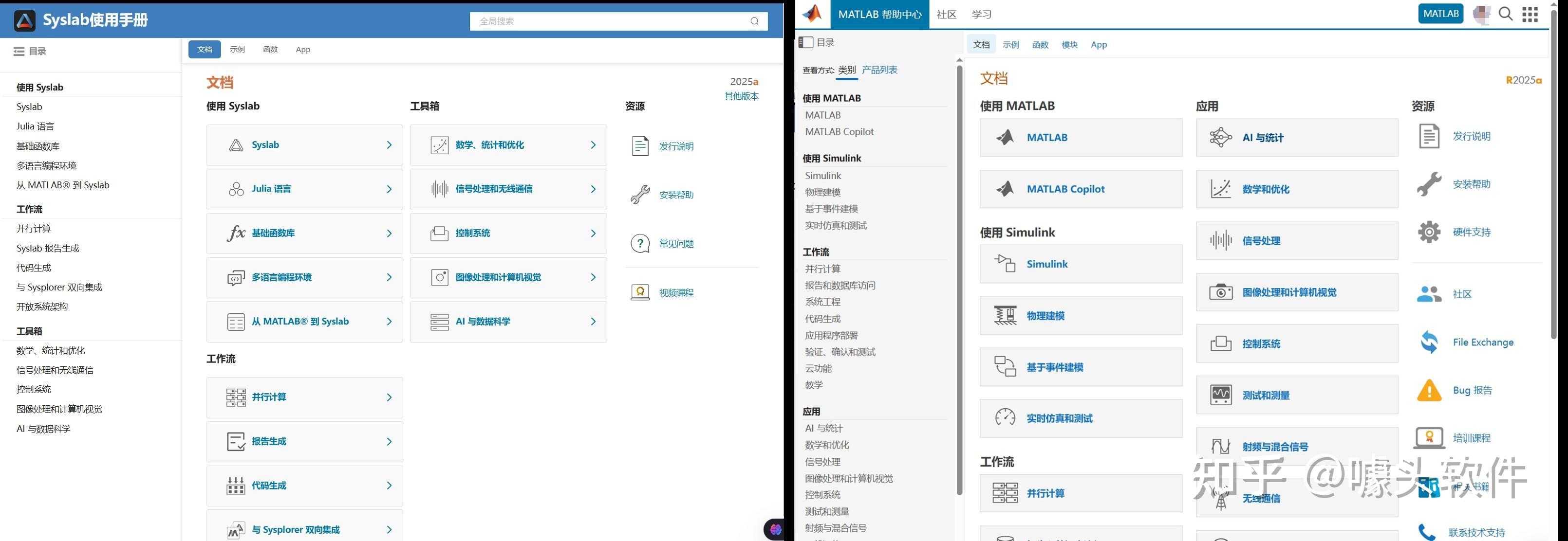
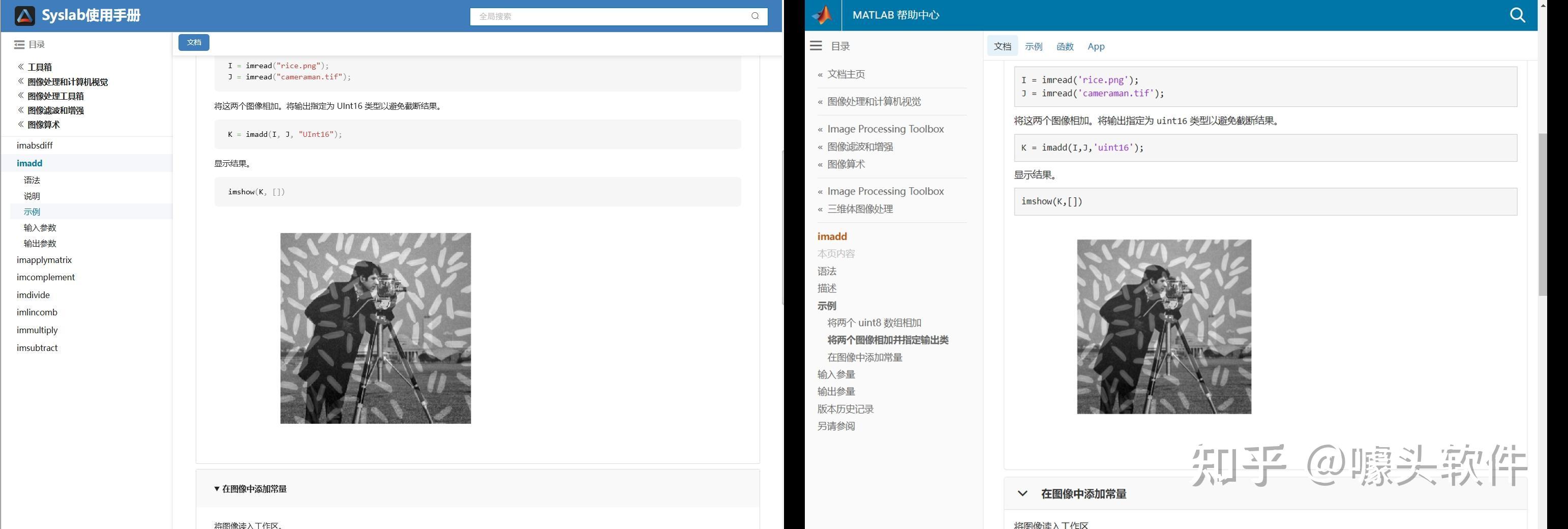
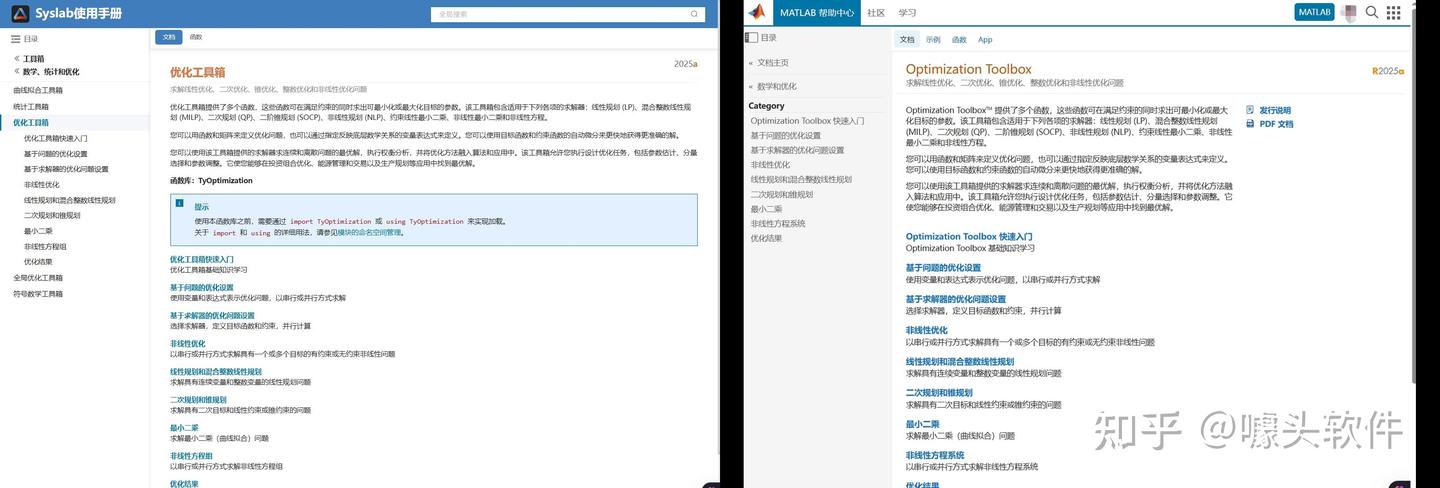
- Learn how dark theme may impacts charts and apps
- Discover best practices for theme-adaptive workflows
- Step-by-step examples for both script-based plots and advanced custom charts and UI components
- Discover new tools like ThemeChangedFcn, getTheme, and fliplightness



About General
This is the channel to post to if your topic doesn't fit any other channel contexts.
 All technical questions
Community Guidelines MATLAB FAQs