Vibe coding for Valentine's Day
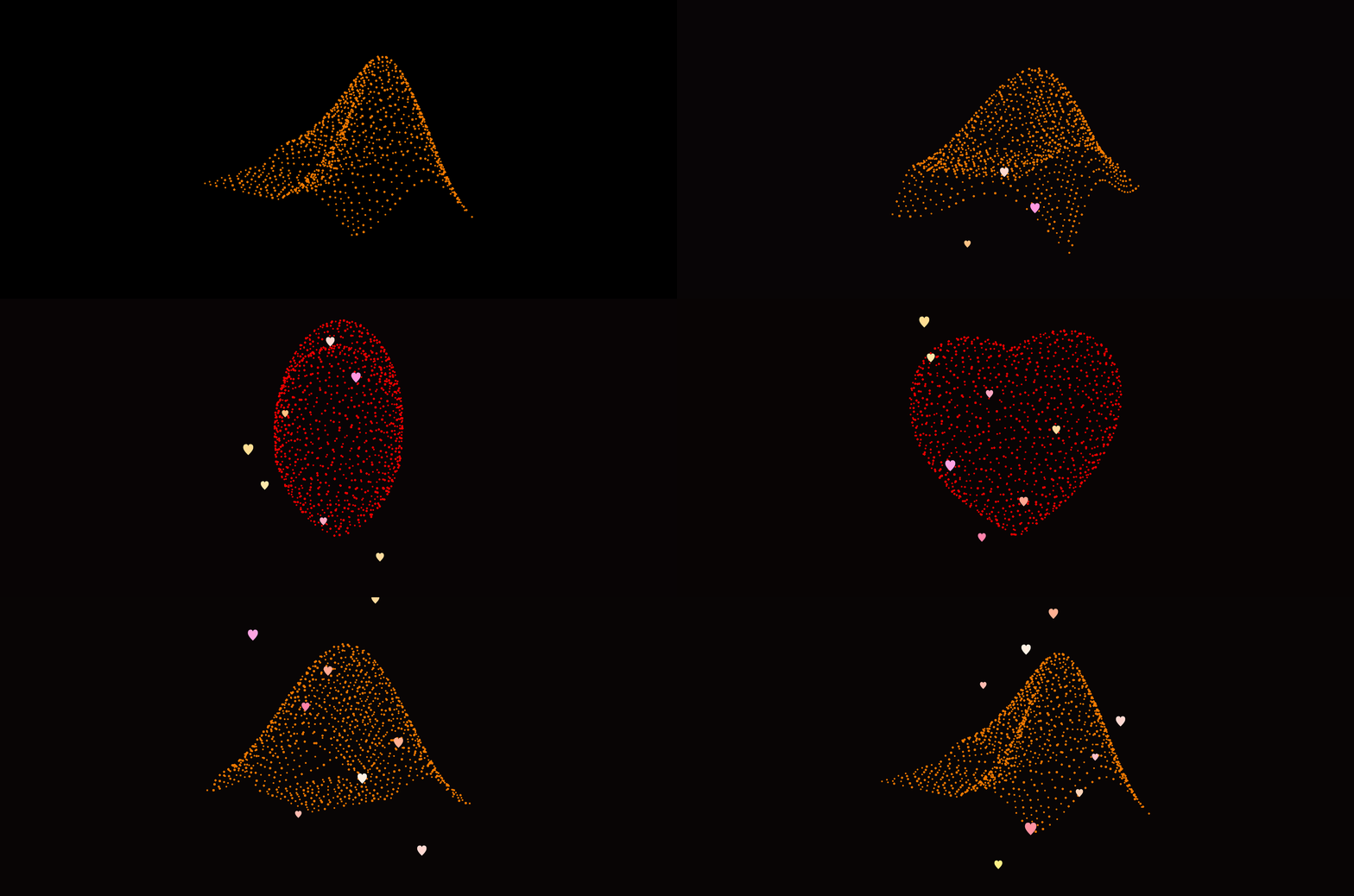
I used Claude Code along with MATLAB's MCP server to develop this animation that morphs between the MATLAB membrane and a 3D heart. Details at Coding a MATLAB Valentine animation with agentic AI » The MATLAB Blog - MATLAB & Simulink
Show me what you can do!
If you share code, may I suggest putting it in a GitHib repo and posting the link here rather than posting the code directly in the forum? When we tried a similar exercise on Vibe-coded Christmas trees, we posted the code directly to a single discussion thread and quickly brought the forum software to its knees.
7 Comments
Time Descending
Love the transformation animation!
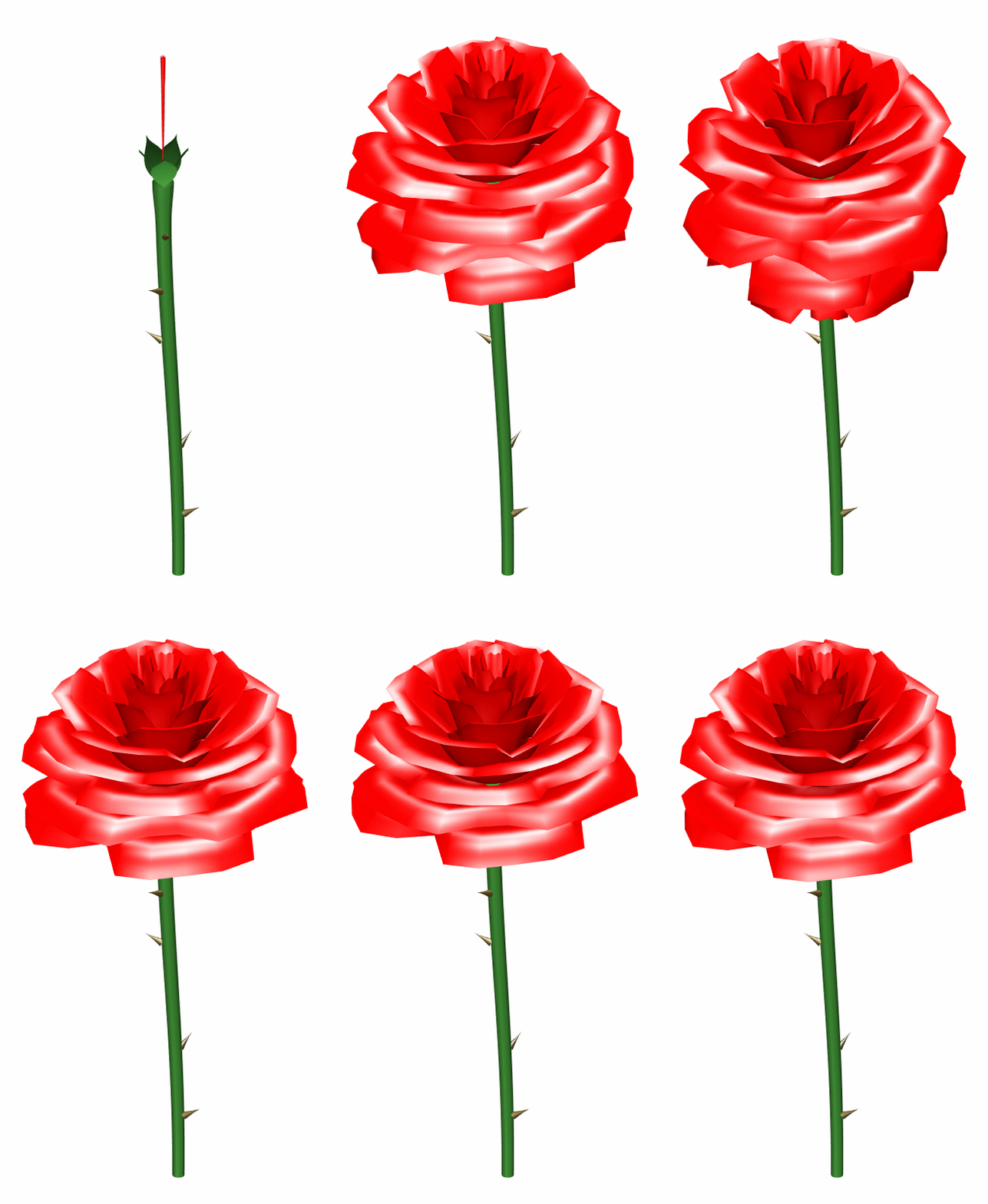
Includes an interactive GUI featuring a variety of custom colormap presets. Link to the GitHub repo for anyone interested in trying it out.
Accelerated using the newly released Claude Opus 4.6.

That's awsome. Thanks Vasilis

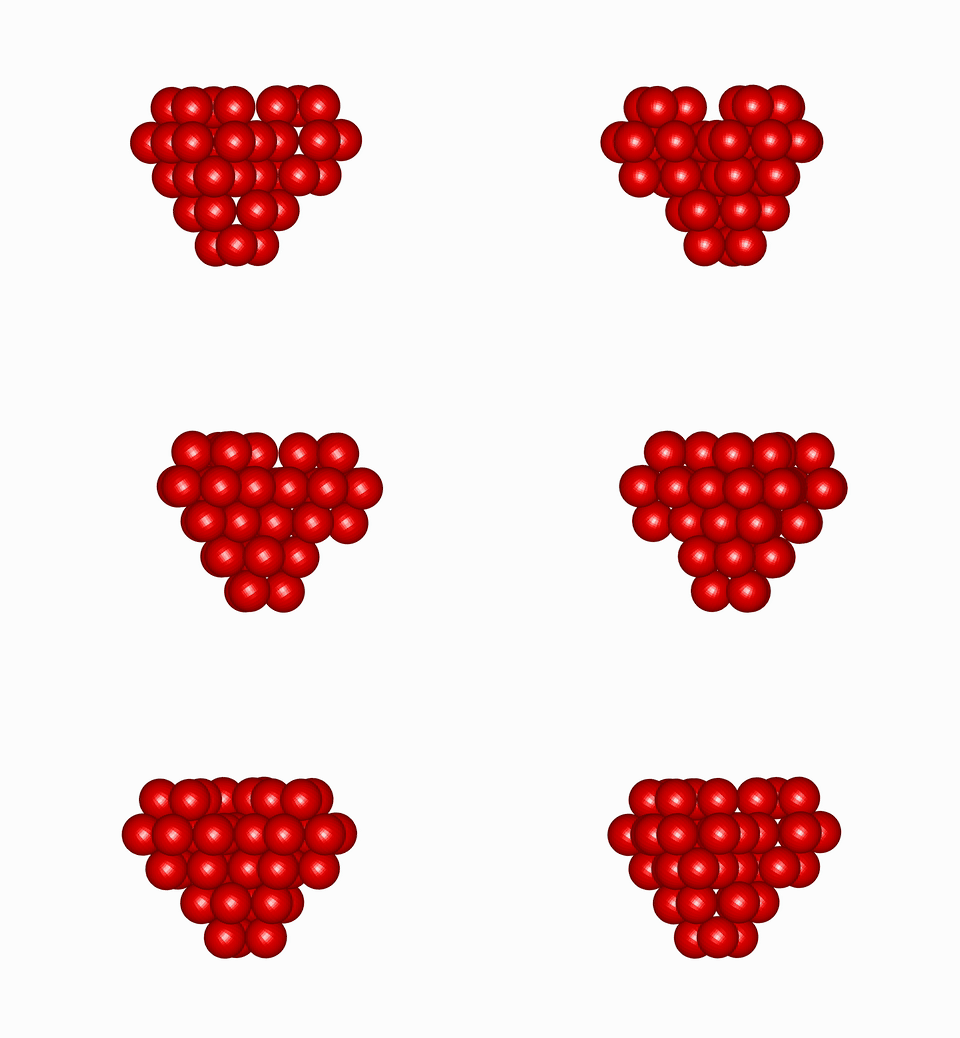
That's a great result, thanks Miloslav. I look forward to seeing what you come up with now that you've got MATLAB and the MCP server set up. If you have the time, I'd love for you to post some of your findings in our generative AI discussion forum Generative AI - MATLAB Central Discussions
Love this!

So beautiful, I love the different layers and how smooth the animation keeps changing. Beautiful work!

[x, y] = meshgrid(linspace(-1.5, 1.5, 60), linspace(-1.5, 1.2, 30));
heart = (x.^2 + y.^2 - 1).^3 - x.^2 .* y.^3;
heart = flipud(heart);
art = repmat(' ', size(heart));
art(heart <= 0) = '*';
for i = 1:size(art, 1)
disp(art(i, :));
end
Sign in to participate

